Streamline your customer wait times.

Set up a custom digital calling counter in just 7 minutes. A number appears, a voice announces it, and waiting becomes simple for both you and your customers.

7-day trial · no credit card required · cancel anytime

Call Orders sur TV, tablette et téléphone
Presentation

Discover Call Orders

In Action

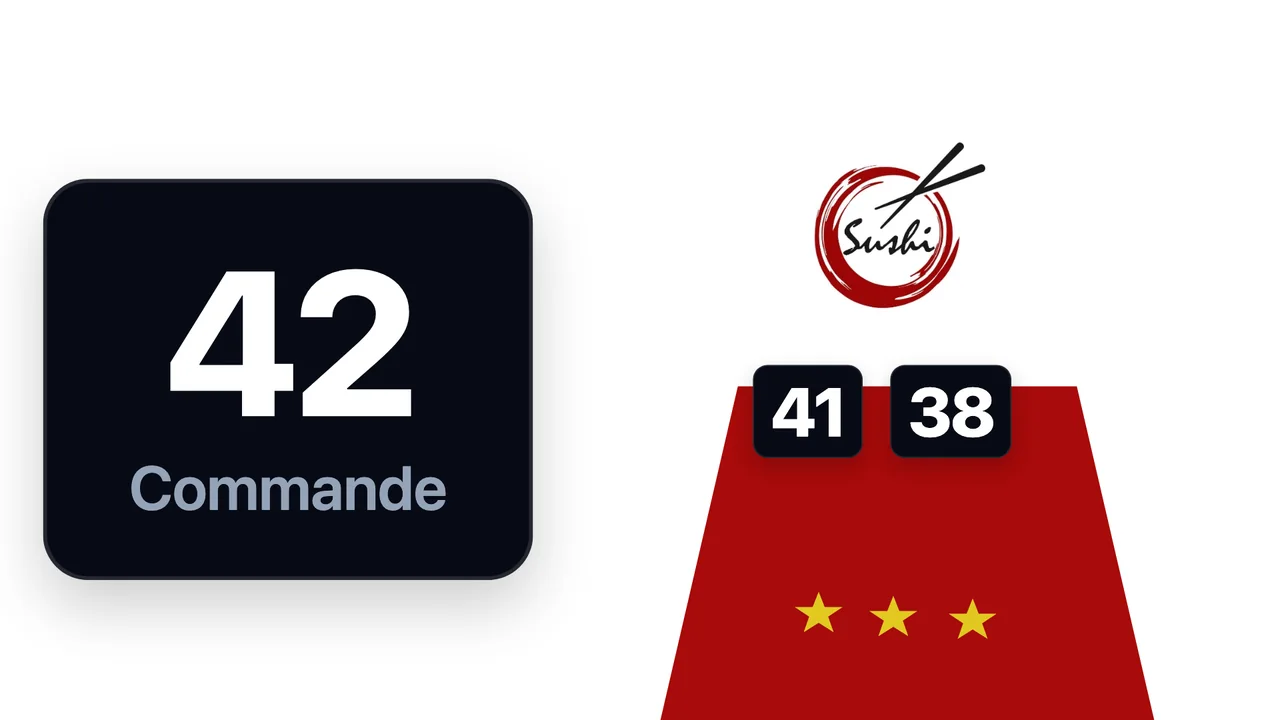
A screen tailored to your brand, for any type of business.

Colors, logo, layout: design the display that fits your brand. Restaurant, clinic, town hall, or retail, on a TV, tablet, or welcome screen.

Restaurants & sushi bars
Medical practices
Medical practices
Town halls & public services
Hair & beauty salons
Everything you need

Built for the field, simple to set up.

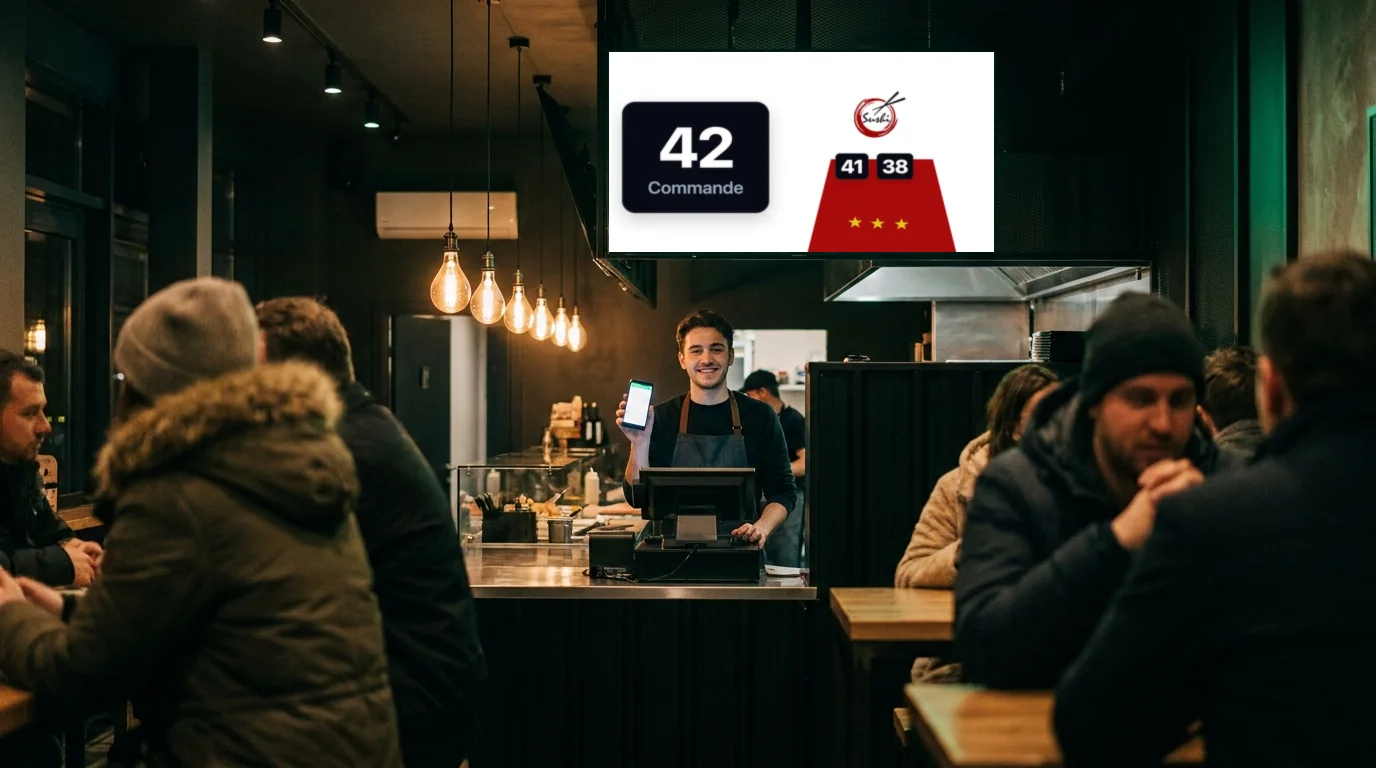
You call a number, it appears on every screen, in your colors.

Real time

The number shows up in under a second.

Voice announcement

The voice calls the number in your language.

Custom screen

Logo, colors and layout, just like you.

Videos on the TV

Your promotions play between calls.

How It Works

Three steps, zero training.

1

Enter a reference

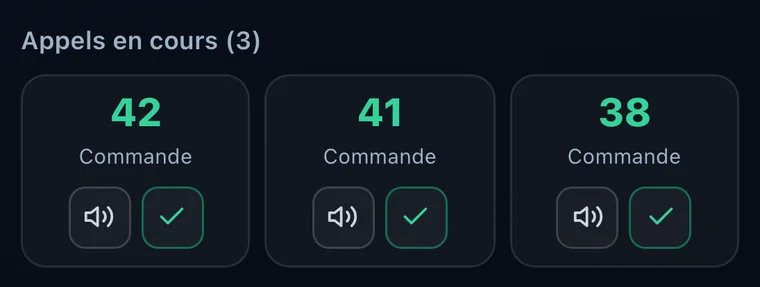
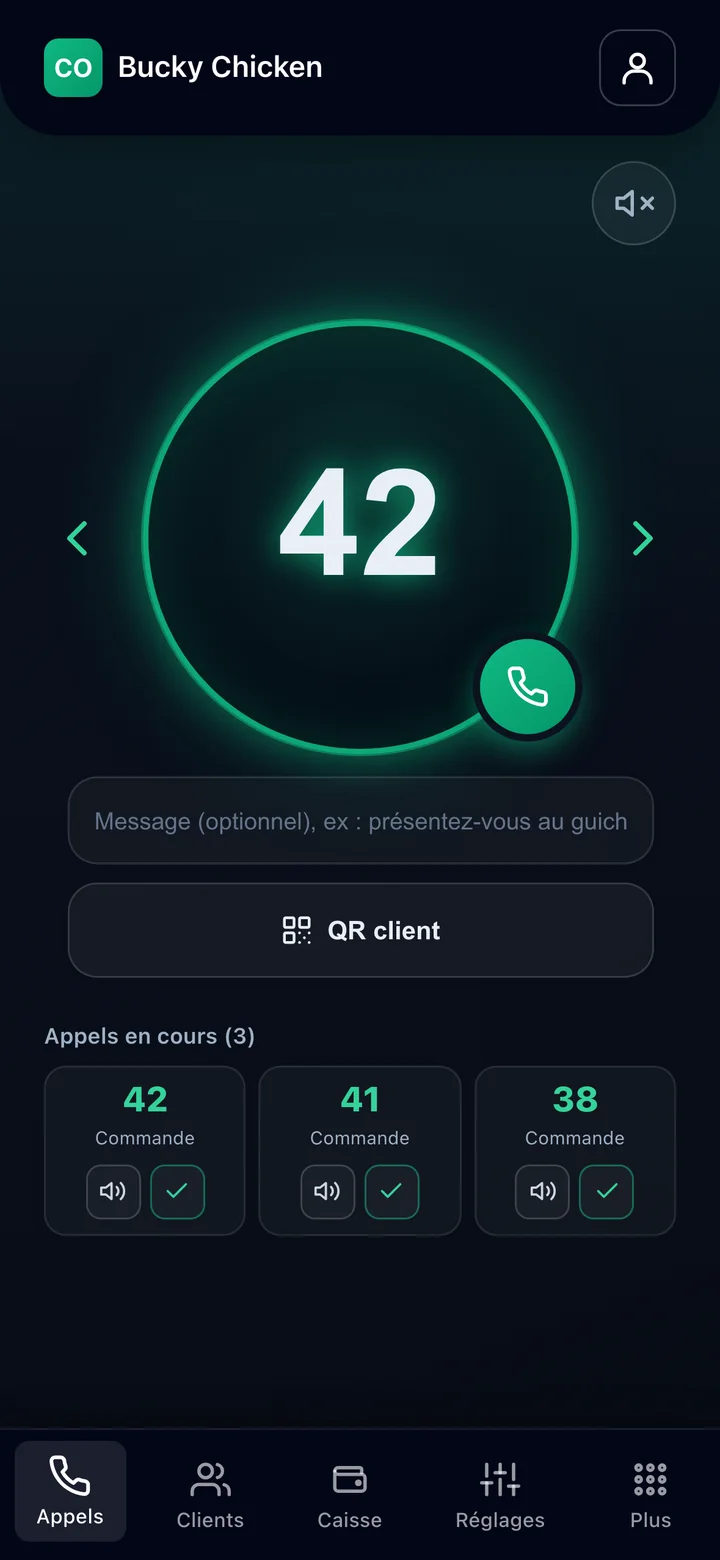
From your account or your phone, enter the number or reference to call and, if needed, a short message (“at counter 3”).

Number
2

It displays on the TV

The number instantly appears on all screens connected to your business.

Sushi Sunset
46
Customer
14:53
45
Customer
14:51
3

The voice announcement plays

The voice announces the number in your language. You can replay or close the call at any time.

Video guides

Five videos to get you started

1 / 5

How do you place a call?

Pick a number or a reference such as CB12, then call in one tap.

Discover the Call Orders app

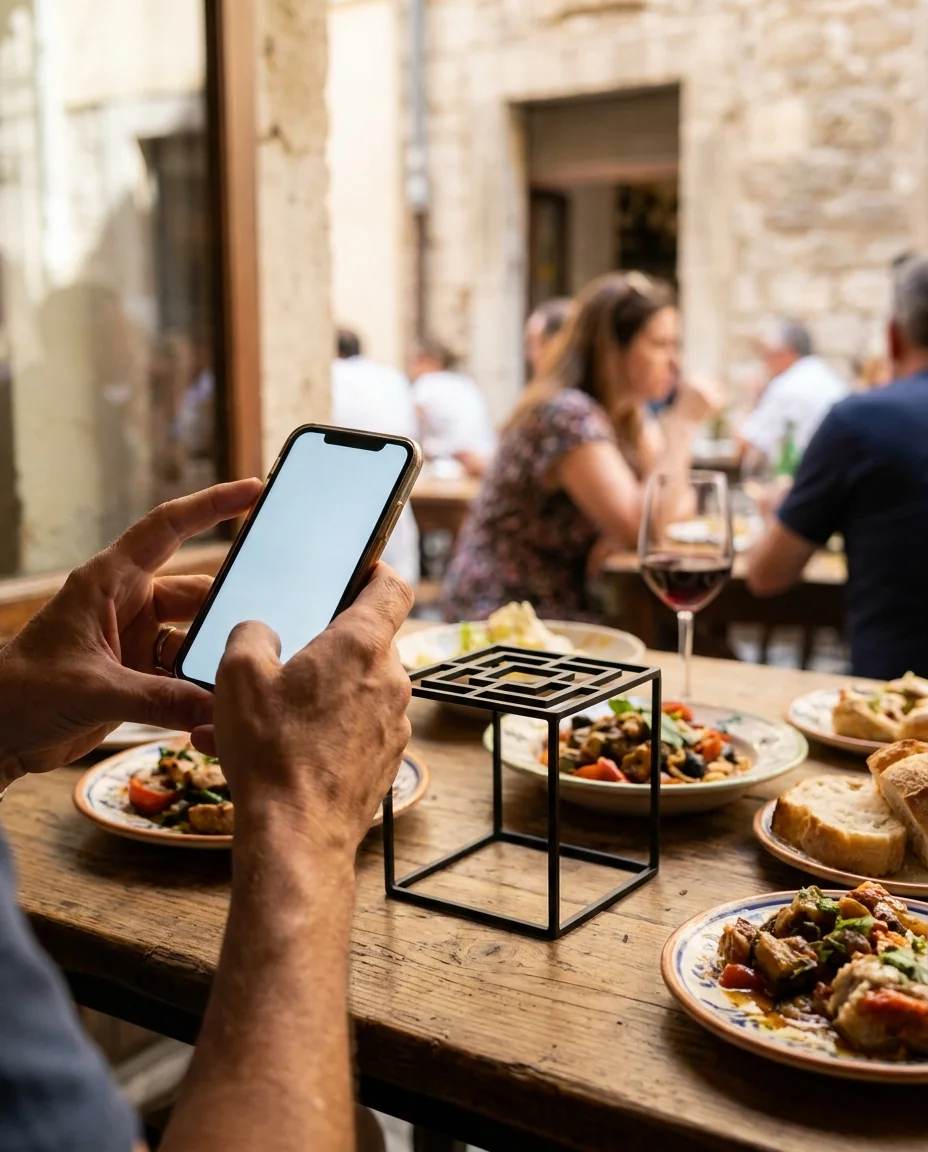
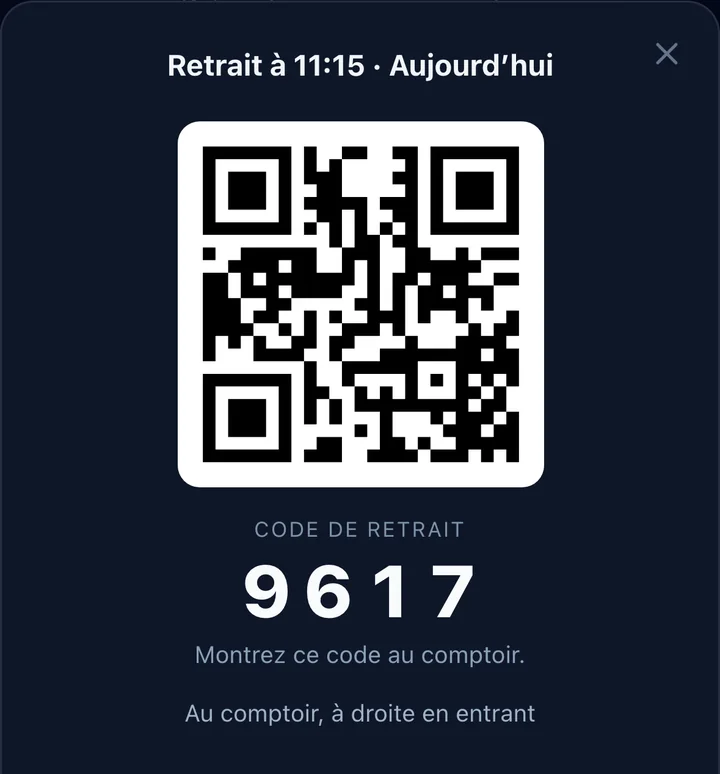
Your customers, alerted on their phone the moment it's ready

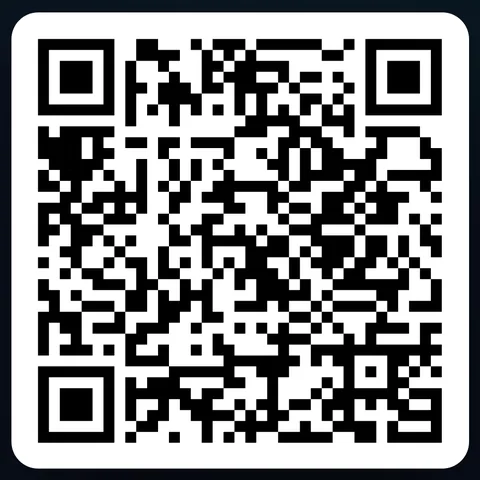
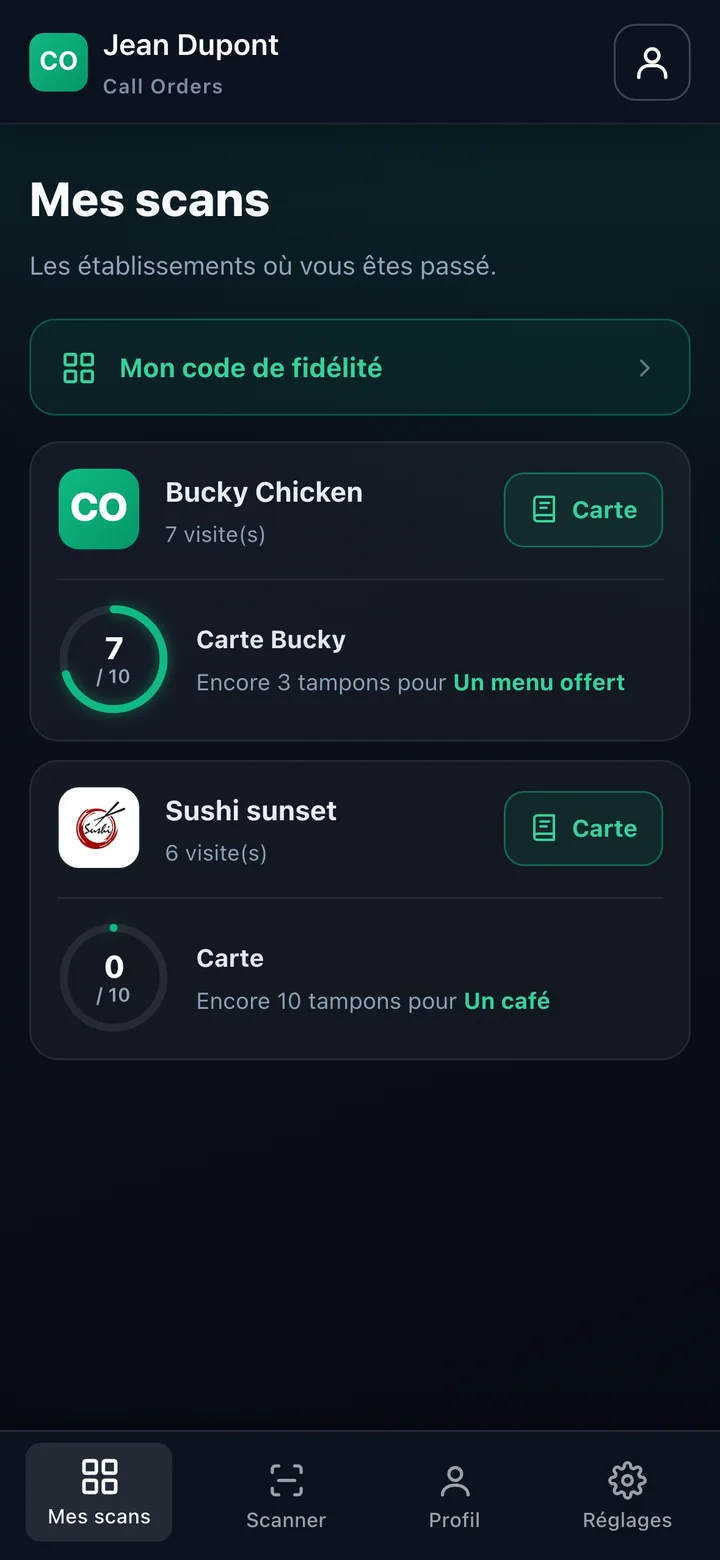
No more staring at the screen. Customers scan a QR code, and their phone alerts them the second their order is ready.

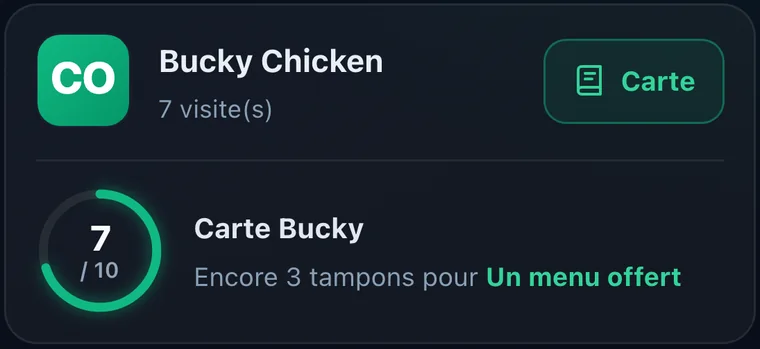
Keep every customer up to date with your offersSend a promotion to all your customers in one tap. It lands straight on their phone.
Get it on Google Play Coming soon to App Store
Use Cases

A clear queue, whatever your venue.

Fast-food & counters

Fast-food & counters

Announce ready orders by number, speed up the counter and avoid crowding.

Dental practices

Dental practices

Call your patients in the waiting room discreetly, without naming anyone out loud.

Currency exchange

Currency exchange

Guide each customer to the right window with a clear display and a voice announcement.

Box offices & events

Box offices & events

Handle ticket pickup and counter service with a number shown large.

On Your TV

Call Orders TV, ready to install.

Install the app on your Android TV, or just open a link on any screen. Enter your code and the display starts.

Download the TV app Coming soon to Google Play
  • Or show it on any screen with a simple link
  • Your code is in your account, under the TV Screen tab.
Call Orders sur une télévision et un téléphone
Our plans

A plan for every need.

7-day free trial, all features included, no credit card.

Basic To get started simply
€3.90/ month incl. tax
  • Unlimited TV screens
  • Real-time display on all your screens
  • 1 premium voice
Get started 7-day free trial, no credit card
Pro To go further
€9.90/ month incl. tax
  • Everything in Premium
  • Customer hub: sign-up QR & customer profiles
  • Order-ready notification on the customer's phone
  • Play videos on the TV
  • Push notifications & promotions to your customers
Get started 7-day free trial, no credit card
Frequently Asked Questions

You might be wondering...

Do I need special equipment?

No. Any TV, tablet or internet-connected screen will do. On an Android TV, install the Call Orders TV app; otherwise, just open the link on the screen of your choice.

Is the trial really free?

Yes, 7 days with no credit card and no commitment. You only pay if you decide to continue (€3.90/month).

Which languages does the voice announcement support?

Six languages: French, English, German, Spanish, Portuguese, and Italian. The voice speaks in the language configured for your business.

Can I customize the screen?

Fully. Logo, colors, background, number placement, and display style (neon, glass, outline, light, dark), in both landscape and portrait.

How many screens can I connect?

As many as you want. All screens linked to your business will display calls in real time.

How does payment work?

By credit card via a secure payment provider, after the trial period. You are free to cancel at any time.

Customer app

Download the Call Orders app

Your customers scan your QR code, get notified the moment it is ready and receive your offers. The app is free.

Get it on Google Play Coming soon to App Store